
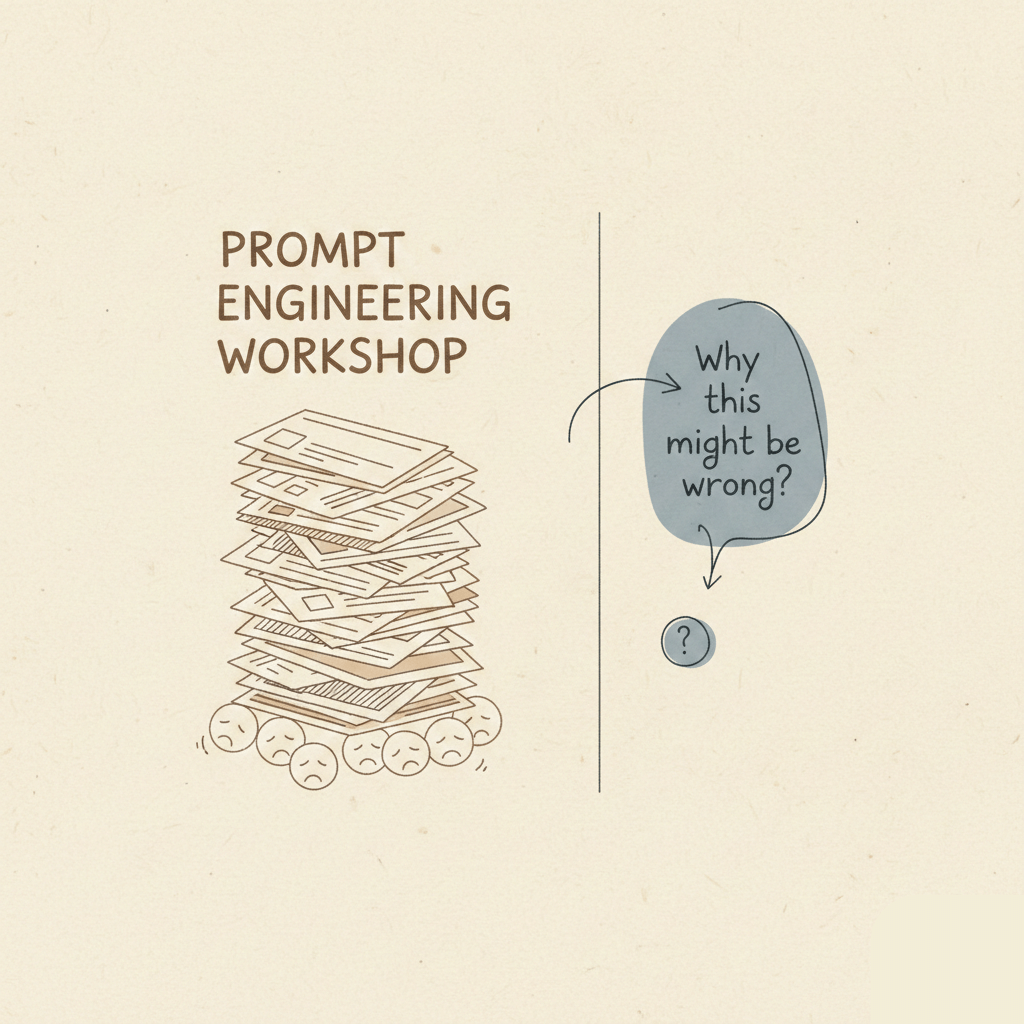
The Friction You Can’t Train Away
You start from a place you recognize, like a calendar full of one-on-ones and a gentle, nagging sense that the world outside your team is changing faster than your rituals allow. You want your people to use AI because you can see the shortcuts, the little efficiency gains that pile up into meaningful speed. You can see product copy that arrives cleaner and launch rundowns that were written overnight. But when you try to teach it with long workshop and slide decks about prompt engineering the uptake is… slow. Resistance shows itself in murmured skepticism, in careful non-use and in the polite myth that “we’ll get to it next quarter.”

Maybe you’ve started on the wrong side of the problem. Maybe you’ve assumed that learning AI looks like learning any other tool; you enroll people, you build curricula and you expect those who survive the training to emerge competent, a common trap in many AI adoption strategies for businesses. That’s how you learned new databases and version control. It makes sense. Only, this one behaves differently. It’s not a piece of software you install and teach someone to memorize. It’s a presence that diffuses into how you work, not an app that lives in a folder.
AI Adoption Strategies for Businesses Start Where People Already Work
What helped, and you’ll notice it if you stop to look, is a small, sly change; you stopped asking them to go somewhere else. You started with the browser sidebar, a move that’ll be defining successful AI adoption strategies for businesses online.
It’s easy to understate how uncool that is. A sidebar is not a developer tool that will impress the lead engineer. It’s not a 90-minute certification. It is, at its unassuming best, a helper that sits next to the thing your team already does. It won’t need you to explain the entire context of your product; it inherits the web page, the copy on the screen, sometimes the logged-in user, and it speaks in your tone. That matters. The moment you stop asking people to leave their flow and bring context into a foreign environment and instead enable multitasking without interruption, they stop resisting.

Think about the day-to-day work of your team. Someone reading customer support tickets. Someone drafting a landing page. A designer refining microcopy. A product manager preparing a spec. Each of these people already performs research and composes decisions in the browser. The sidebar is there, unobtrusive, right where they are. It can fetch prior emails, summarize a long thread, propose a subject line, or suggest a first draft of a release note. No setup and no juggling between apps. It does the finding and the typing for them so they can do the thinking. And this is just a small demonstration of how AI tools for workflow productivity can reduce friction without training or ceremony.
You notice first how it lowers the bar. That’s the real utility, the small kindness of being immediately useful. When your engineer asks, “Can it find the exact log line I need?” and clicks the sidebar and sees a suggested grep command, she’s not thinking about ML paradigms. She’s thinking “that saved me ten minutes”. Ten minutes is a tiny miracle in a sprint. Multiply that across a team and across a week, and you have changed the rhythm of work.
There is an awkward urge among managers to make adoption an event. You find yourself rehearsing a kickoff, imagining the team all watching a single demo, like the unveiling of some deity. You imagine the applause. But attendance is thin and interest evaporates because the demo is performative. It is a spectacle that says, “Watch me show you the tool,” and not, “Use this tool while you write your next bug triage.” The sidebar bypasses the spectacle because it’s low-stakes and embarrassingly helpful.

You start sandboxing small wins. You ask one person to use the sidebar to write the first draft of a customer-facing FAQ. You ask another to summarize a user research recording into five bullet points. You offer no training beyond “try it there.” And you watch what happens. People come back and talk about how the assistant answered a question they hadn’t thought to ask themselves. They share a neat phrasing that landed. They complain about a hallucination, and you have a great conversation about what it means to verify machine output.
There’s something reassuring about minimal friction. Zero setup time sounds great. It says the tool respects your workflow. It lowers the cognitive cost of trying something new. You don’t need a separate account or an extra permission. It’s like leaving a library card in the desk drawer. You can take it out when you need it. You can ignore it when you don’t. That freedom, having a low-commitment way to experiment, is what dissolves resistance faster than any training rubric.
You will notice, too, how the assistant handles two mundane, essential chores that managers often overlook; searching and typing. Searching is the thing you and your team spend hours on; the right snippet, the precedent, the previous bug report, the original spec. Typing is not glamorous, but it consumes attention. The sidebar does both. It searches the context and surfaces the relevant artifacts. It is, in effect, a first-draft machine. And first drafts are everything.
Once adoption begins to spread, you can map those initial experiments onto the customer journey without much ceremony. Early on, the assistant helps with awareness tasks such as writing headlines and proposing ad copy that will be A/B tested. In consideration, it helps summarize case studies or pull relevant product metrics into an internal brief. At conversion, it drafts onboarding copy and answers to last-minute sales objections. For retention, it assists in writing empathetic support replies and synthesizing CSM notes. And advocacy? That’s when your team uses it to draft testimonial requests or to distill stories into sharable narratives.
When you look for the places where the sidebar makes a difference, it’s not beside the obvious engineering work, but in those moments where humans must translate complexity into human language. The tool becomes your team’s aide for the human-to-human parts of the product. It’s no replacement for creative thinking, only a nudge. You supply the judgmenta and the context.
This is where you start to see changes deeper than workflows. The front end begins to feel different. You begin to notice that your product’s UX needs to accommodate an expectation of speed and clarity. If copy can be generated and iterated in minutes, your release notes can be shorter, more conversational. Your UI text can be A/B tested with more iterations. Microcopy starts to feel alive; you ship with placeholders that are sincere experiments.
Those shifts nudge the backend. Your engineers begin to care more about APIs that can return precise user context and logging that lets you see whether a generated phrase was actually used. You find yourself asking for better feature flags so you can roll out assistant integrations in stages. Suddenly, infrastructure conversations that were once abstract become product decisions tied to adoption metrics. Is the assistant hallucinating on private data? Then you prioritize retrieval-augmented approaches or scoped datasets. Are suggestions helpful only when they include recent customer data? Then you prioritize freshness in your data pipelines.

Business growth looks different, too. When your team can move faster on copy and experimentation, supported by your AI tools for workflow productivity, the cost and time of testing new value propositions shrink. You can try more ideas in a month than you could in a quarter. That increases learning, which is a growth multiplier. More experiments mean more signal about what customers actually respond to. Faster iterations reduce the time from hypothesis to validated learning. You’ll have to take care, though, not to risk inconsistency. The sidebar can make a thousand drafts, but without curation you leak brand voice and regulatory compliance. So you build minimal guardrails like a style guide snippet accessible through the sidebar and a small approval flow for external-facing content.
What surprises you is how the politics of adoption soften when people see the assistant as a partner rather than a mandate. The narrative that once felt defensive — “we must adopt AI or be left behind” — shifts into a collection of smaller narratives: “I used the sidebar to save time on my last ticket” or “it helped me find the right data point for my deck.” Those stories are more powerful than a policy memo. Storytelling is slow and patient work but it’s how cultures change.
You also learn to accept the odd mixture of awe and annoyance the team expresses. There are moments of delight when a one-liner lands. There are moments of frustration when the assistant invents facts. Both are informative. Delight tells you where the assistant really fits in; frustration tells you where trust still needs to be built. You respond with more small experiments. For example, a team hour where everyone shares the most useful thing the assistant did that week or a short doc listing typical hallucinations and how to catch them. You avoid treating AI as a binary (adopted or not), and instead measure adoption as a variety of behaviors.
You resist the temptation to turn the sidebar into a training regimen. Prompt engineering as ritual can be useful for power users. For most people, it feels like learning a new dialect. They don’t need to know how transformers work to get value. They need to know how to ask clarifying questions and how to verify outputs. Those are valuable judgment skills. So you focus training on judgement-in-context: when to verify and how to annotate the output so the next person has better context, check sources, prefer shorter asks, include the style guide line, and always add one reason why the suggested output is wrong or right.
Sometimes you’ll stumble. There’s an engineer who’s certain that “real” AI use looks like building a custom model and fine-tuning it for your data. She pushes for a year-long project, arguing that accuracy and control demand it. You don’t dismiss the idea, you test it out in miniature. You let the team pilot a domain-specific model for a small class of tasks while keeping the browser assistant as a companion. The pilot reveals that the domain model is better at recall but slower to iterate; the sidebar is faster for ideation and low-risk drafting. Both have a place. The key insight is that these tools are complementary, not mutually exclusive.
There’s an ethical layer you can’t ignore. Privacy and bias become practical considerations. You see people paste chunks of user data into prompts in an attempt to get customized replies. You create a simple rule about having no raw PII in prompts. You add a small training nugget about redactions. You work with legal to produce a short checklist that sits in the sidebar. All it needs to clarify is if the content is allowed to be used for model inputs. A small bureaucratic step to mitigate risk without smothering curiosity. Again, you’re being low-friction.

What shifts, in the most interesting way, is how your team thinks about expertise. Previously, expertise was something you boxed and distributed. The senior writer writes copy, the engineer writes the code. The assistant blurs those boundaries. A designer can ideate with near-professional prose; a product manager can synthesize data into a draft that looks like a market brief. Expertise becomes distributable in a way that invites more people into the craft. That can be unsettling. You find senior folks worried that their craft will be cheapened. The answer is to show how thoughtful AI products can amplify judgment. Your best people can do more high-leverage work by offloading the framework. You simply allow them to reallocate their expertise.
On the product side, you begin to see new hypotheses about how customers will interact with the product. If internal teams get faster at generating help articles, then perhaps customers will find answers faster and require less live support. If marketing can iterate headlines rapidly, perhaps acquisition costs fall. Those are attractive hypotheses, but they require measurement. So you instrument. You track whether support resolution time drops or whether conversion improves when onboarding copy is iterated weekly instead of monthly. Data doesn’t lie, but it’s also not a complete moral arbiter. Use it to guide decisions, not to declare them final.
There’s an aesthetic shift as well. You notice the product voice becoming more conversational, less ceremonious. That’s because the assistant tends to suggest concise phrasing that reads well on a screen. That voice resonates with certain customers and alienates others. You see yourself tweaking brand guidelines to allow for more directness. It’s okay, your brand is something you iterate upon rather than a shrine you protect.
You keep your ear to the social side of things. People swap tips: “try adding ‘be concise’ into the sidebar request” or “always ask it for three variations.” Those tiny tips become lore. They’re not formalized, but they matter. They create a peer-to-peer learning culture that scales more durably than top-down mandates. You find yourself doing less policing and more curating of what good looks like. You collect exemplars to showcase.
At some point, you notice an organizational change that wasn’t in your playbook. Meetings become shorter. Not because you demanded it, but because people use the assistant to prepare agendas and to summarize previous meeting notes. You start receiving pre-read summaries that make convenings more productive. That’s a lovely return on the small investment of letting the tool live in the everyday flow.
And then there are the things you can’t predict. A support agent uses the sidebar to draft a reply and catches a subtle product bug in the process. A marketing intern drafts a headline that performs so well the team rewrites the entire campaign. Those moments look random, but they’re not; they’re the result of lowering barriers so people can iterate more. Lower barriers increase the chances of serendipity.
When Small Workflow Shifts Start Changing the Business
You also see limits. The sidebar cannot replace deep, domain-specific knowledge overnight. It will not replace the slow craft of product strategy or the careful work of building core infrastructure. But it changes where those efforts are spent. Instead of spending hours on first drafts, your team spends hours on evaluation and strategic thinking. The assistant moves the location of labor from mechanical composition to judgment work.

You’ll be tempted to write a playbook after this, to formalize the lessons. Don’t overdo it. A few simple rules suffice: start in the browser where people already work; keep the barrier low; measure the small wins; enforce minimal guardrails on privacy and compliance; support judgment not shorthand syntax; and collect stories. Let adoption be organic, but help the soil. The rest will grow.
I hesitate to be prescriptive here because the landscape is still shifting beneath you. What feels like a useful smallness today — a sidebar correctly used to draft an email — might feel quaint in a year when assistants are more tightly integrated into your product. Or maybe sidebars will become the standard interface for most knowledge work. Or maybe something else entirely will appear. I don’t know. You don’t either. That’s part of the point.
What you do know, from watching the team, is that adoption happens when the tool respects people’s attention and complements their judgment, which is but a small window into how influence flows in the broader tech world in general. You know that forcing mastery over mechanisms before people appreciate the utility is a losing play. You know that small, everyday wins compound into cultural change; front-end language that’s more conversational, back-end systems that prioritize context and freshness, product teams that iterate faster and, perhaps, customers who engage more readily.
So what now? You might keep the sidebar and watch. You might start instrumenting its use on a few high-leverage flows. These small experiments hint at how thoughtful AI adoption strategies for businesses can quietly reshape workflows. You might build tiny guardrails and let people tell you the rest. Or you might do nothing and see what the competition does. I’m not offering a roadmap, only an observation: the browser assistant sits in the room where your team already works.
Perhaps this matters beyond your team. Perhaps the low-friction entry point offered by the sidebar is a broader lesson about how technologies spread i.e. by becoming useful where people already are. Companies that recognize employees are often more ready for AI than leaders realize and that leadership has a responsibility to support, train, and scale those capabilities can accelerate adoption and reach AI maturity faster. Perhaps the next wave of product improvements will be more focused on integrating helpers into the flow of existing work. Maybe the future’s more about leaving a helpful notebook on the one you already use.
You can keep testing that hypothesis. Or you can shrug and let the next quarter decide. Either way, you might want to watch the sidebar. It’s small and patient, and it has a way of showing you what’s possible without asking you for permission.